Dialogue
Give two to four speakers a voice each, write their lines or have them written from a text, then record the conversation as one take.
Dialogue records two to four voices in one conversation. The voices take turns, react and breathe like people talking, instead of separate takes glued together.
Language and speakers
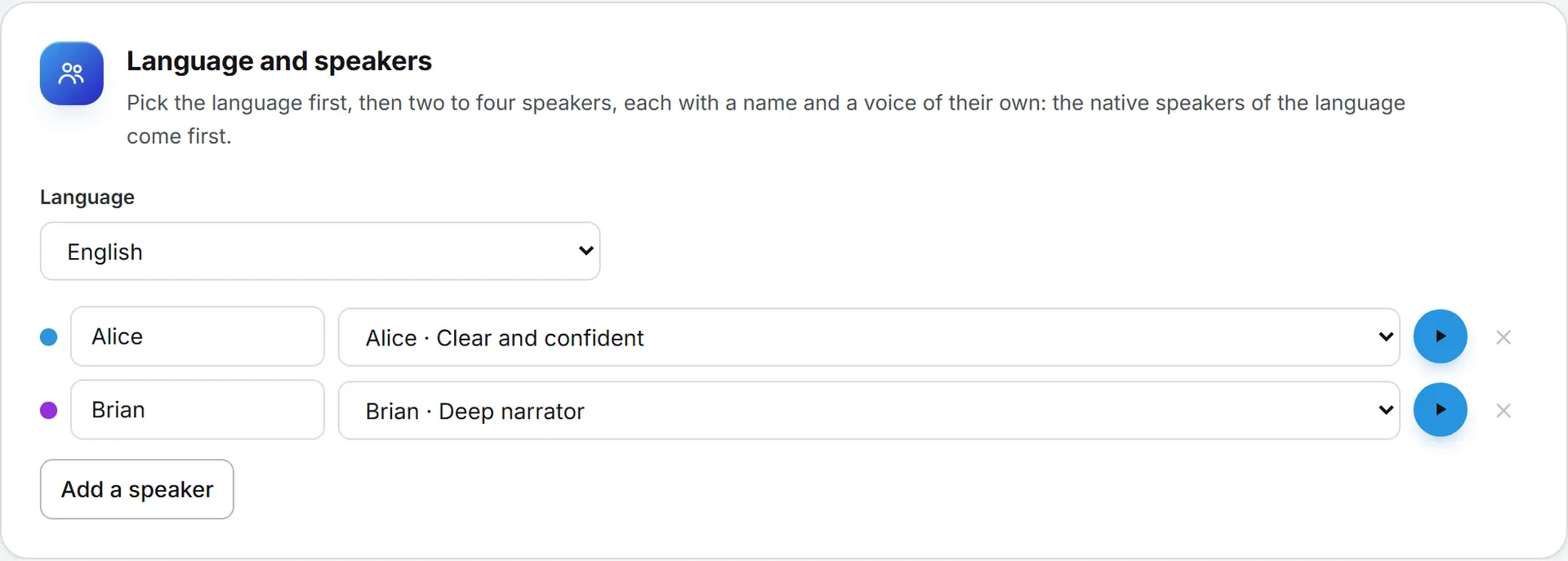
Pick the Language first: English is the default, and the list offers every language a multi-voice model speaks. Then give each speaker a name and a voice. Each speaker’s voice list groups the Native speakers of the language first, then the voices With an accent: the standard voices, English speakers who speak any language with their own accent. The play button next to the voice plays it speaking the language picked. Changing the language moves each speaker to a native voice of the same gender when there is one. Add a speaker adds a third and a fourth. A speaker who is removed hands their lines to the first speaker.
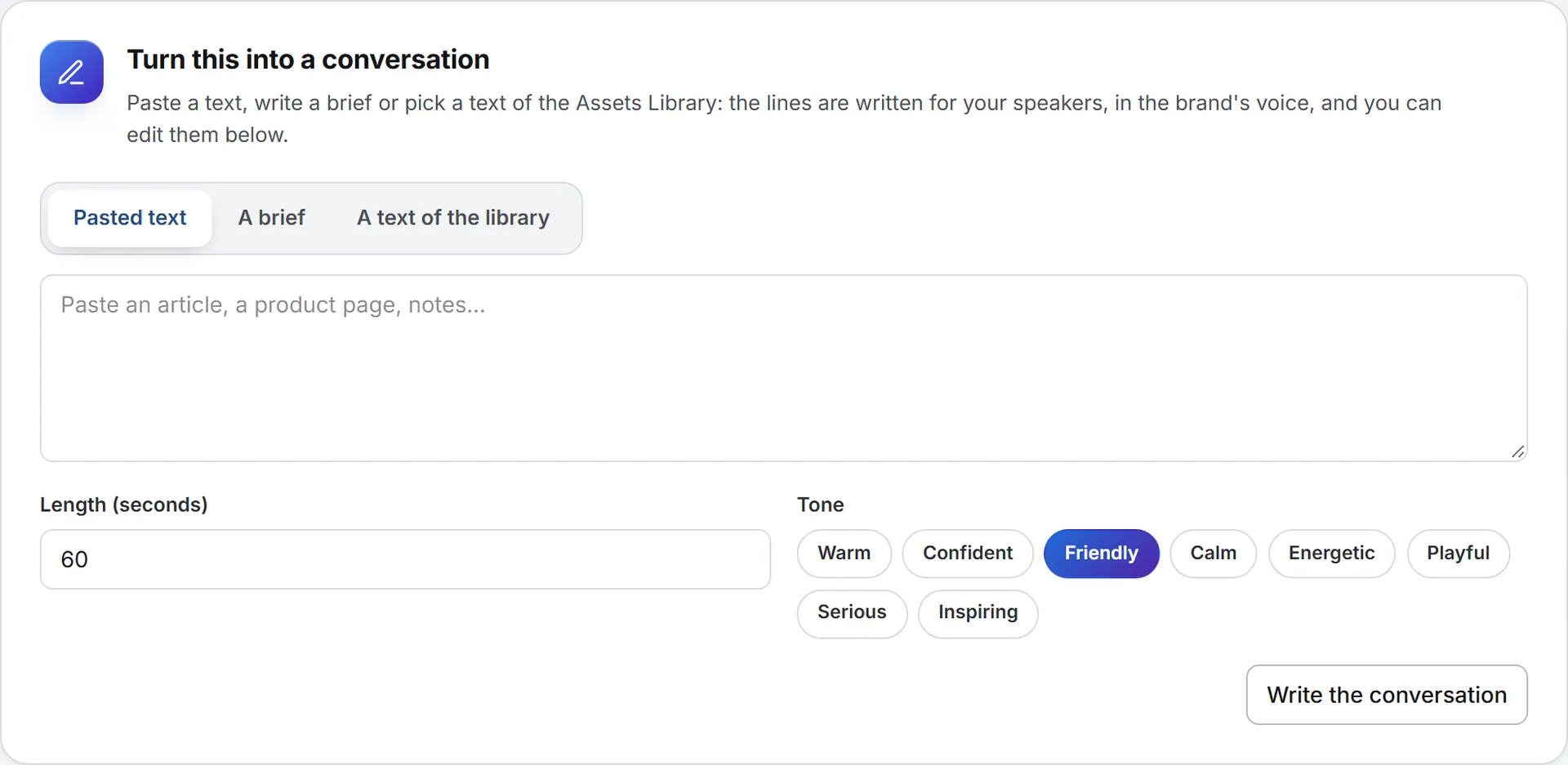
Turn this into a conversation
Write the lines from something you already have:
- Pasted text: an article, a product page, notes.
- A brief: what the conversation is about, who says what.
- A text of the library: a document of the Assets Library (text, Word, PDF), picked with Pick a text.
Give the length in seconds and a tone, then click Write the conversation. The lines are written for your speakers, in the brand’s voice, and replace the list below. Its price shows next to the result.
The lines
One line per turn. Each line has its speaker, its text, and buttons to move it up or down or remove it. Add a line adds one for the next speaker. Under the list, the page counts the characters, estimates the length and shows the price.
Model
Only the models that record several voices in one take and speak the language picked are offered: Eleven v4 and Eleven v3. The cheapest opens first. The brand picked at the top right gives its language, its model and the first speaker’s voice from its sonic brand kit, and its pronunciations are applied to every line.
Record
Click Record the dialogue. A long conversation is recorded in parts, cut between lines, and joined into one take of up to 10,000 characters. The take lands under the button with its player and price, and in History.