Voice and Music
Record voiceovers and dialogues, compose music and sound effects, and give each brand one sonic kit that every audio feature then uses on its own.
Voice and Music speaks, composes and records for your brand. It turns a script into a voiceover in more than 70 languages, records two to four voices in one natural conversation, composes music and makes sound effects from a description. Every take is an MP3 filed in the Assets Library. Open it from Voice and Music in the Studio part of the left menu: its pages are tabs of the same band.
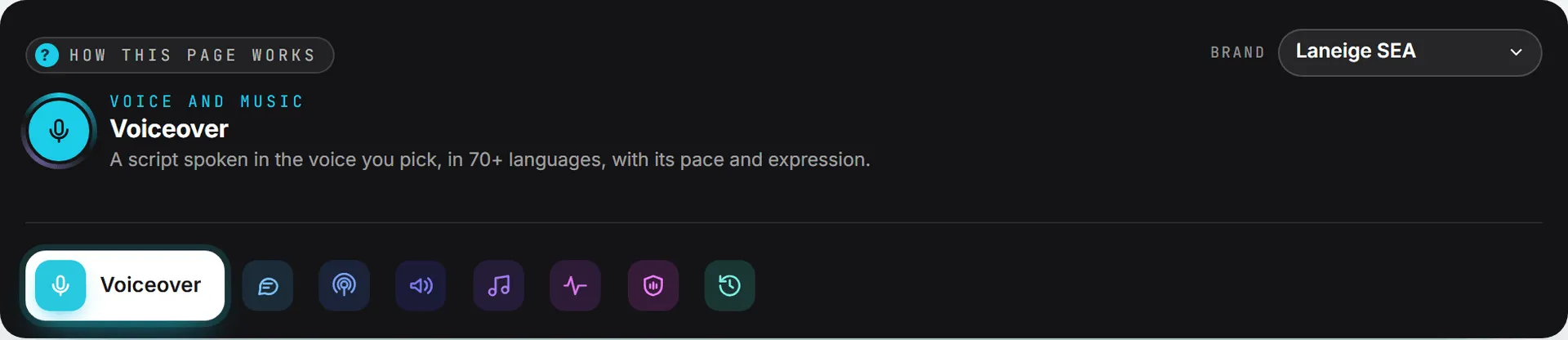
The pages
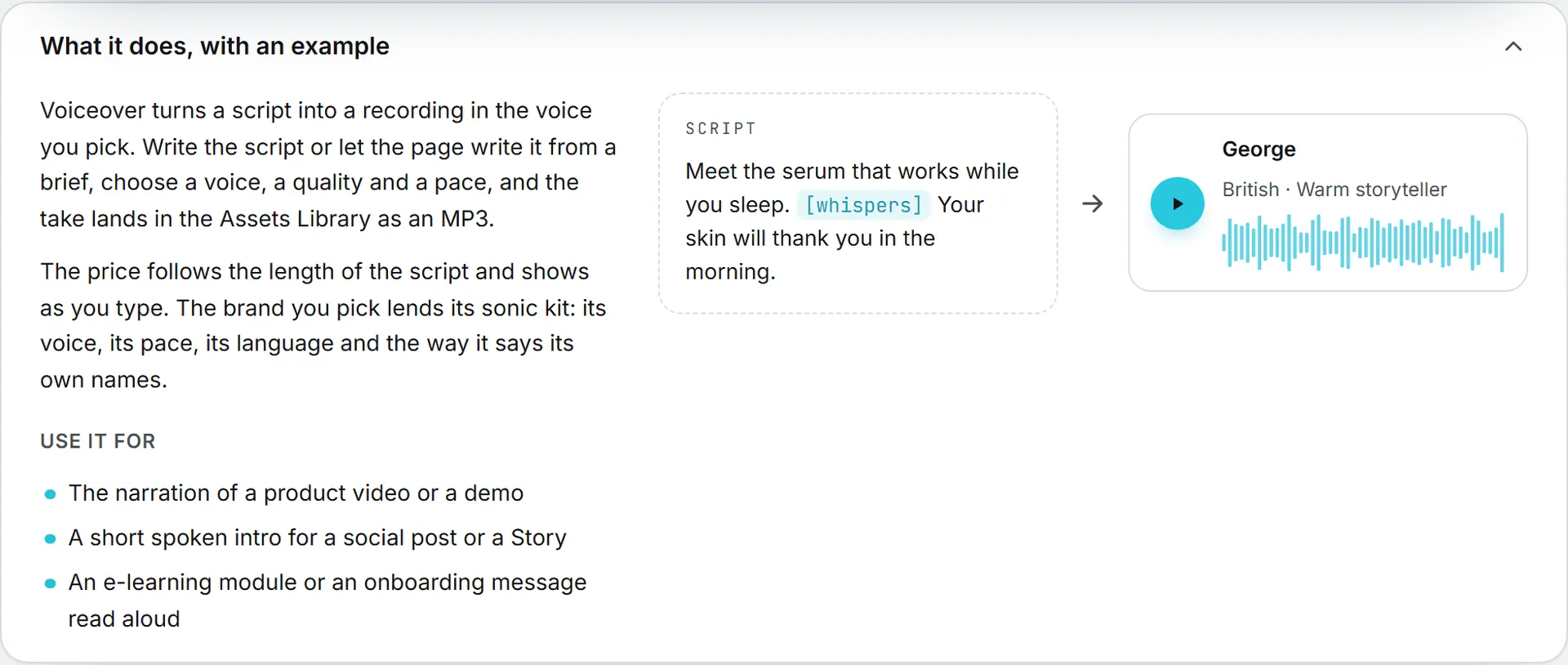
Each page opens with What it does, with an example: a short explanation, the cases it suits, and a drawn example. Click the title to fold it away; it stays folded on that page until you open it again.
- Voiceover: a script spoken in the language you pick, by a native voice of that language, with its quality and pace. See Voiceover.
- Dialogue: two to four voices in one recording, written by you or from a text. See Dialogue.
- Podcast: a brief or an article becomes a two-host episode with its jingle, chapters, notes and feed.
- Audio ads: 15 and 30 second spots with a voice and a music bed, in several hooks and languages, with voices picked for each language.
- Music: songs and instrumentals from a description, three seconds to five minutes. See Music.
- Sound effects: foley, ambiences and interface sounds, up to thirty seconds. See Sound effects.
- Sonic brand kit: how a brand sounds, used by every audio feature. See Sonic brand kit.
- History: every take you made, to play, download or make again. See History.
The brand you work on
Pick the brand at the top right of the band. Its sonic kit fills the language, the voice, the quality and the pace of the forms for you, and its pronunciations are applied to every script before it is spoken. Each take is filed in the Assets Library under that brand. Pick No brand for a take that follows no kit. See Brands.
Languages and voices
Every voice picker asks for the language first, then the voice. The language list offers every language a model your organization allows can speak, more than 60 of them, with English as the default. The voices then list the native speakers of that language first (more than 200 voices across 50 languages), then the standard voices, which speak any language with their own accent. The play button plays a voice speaking the language picked, and the quality picker only offers the models that speak it. Listen versions of social posts and web pages, and voiceovers made without a voice picked, are read in the voice of the brand’s kit; when the text is in another language than the kit’s, a native speaker of that language, of the same gender, reads it.
What it costs
Every price shows before you start, and changes as you type or move a slider.
- A voice (voiceover, dialogue) is billed by the character of the script. Quick costs least, Best costs most.
- Music and sound effects are billed by the second of sound asked for. Each take is billed on its own.
- Writing a script or a conversation for you is billed like any text written by the app, and its price shows next to the result.
- The voice samples of the pickers are free.
A take that fails bills nothing. Each take is listed in Billing > Usage.
How long it takes
From a few seconds to a minute or two for a long script or a long track. You can close the page: the take goes on, reports in Activity, and lands in the Assets Library and in History.
Who can use it
Everyone who can create in Voice and Music makes takes. The sonic kit of a brand is a setting of that brand: the organization’s admins and the brand’s managers change it, everyone else listens to it and uses it. An administrator can switch models off for the organization; a model switched off disappears from the pickers.