Repurpose
Turn a webinar or a call into an article, newsletter, social posts, quote cards and shorts, using only what was said, quoted word for word.
Repurpose turns one recording into content. A webinar gives the most, but any recording that is ready works: a customer interview makes good quotes too. Only what was said is used, and the quotes are copied word for word.
Pick the recording
- Recording: the recordings of your organization that are ready, the webinars first. From a recording’s own page, Repurpose opens this page on it.
- Brand: the recording’s brand unless you pick another. The drafts are filed under it.
- Language: the recording’s own, or English, French or Chinese.
- Angle (optional): who the content is for, or the point to make, for example “For CFOs, on the cost of switching”.
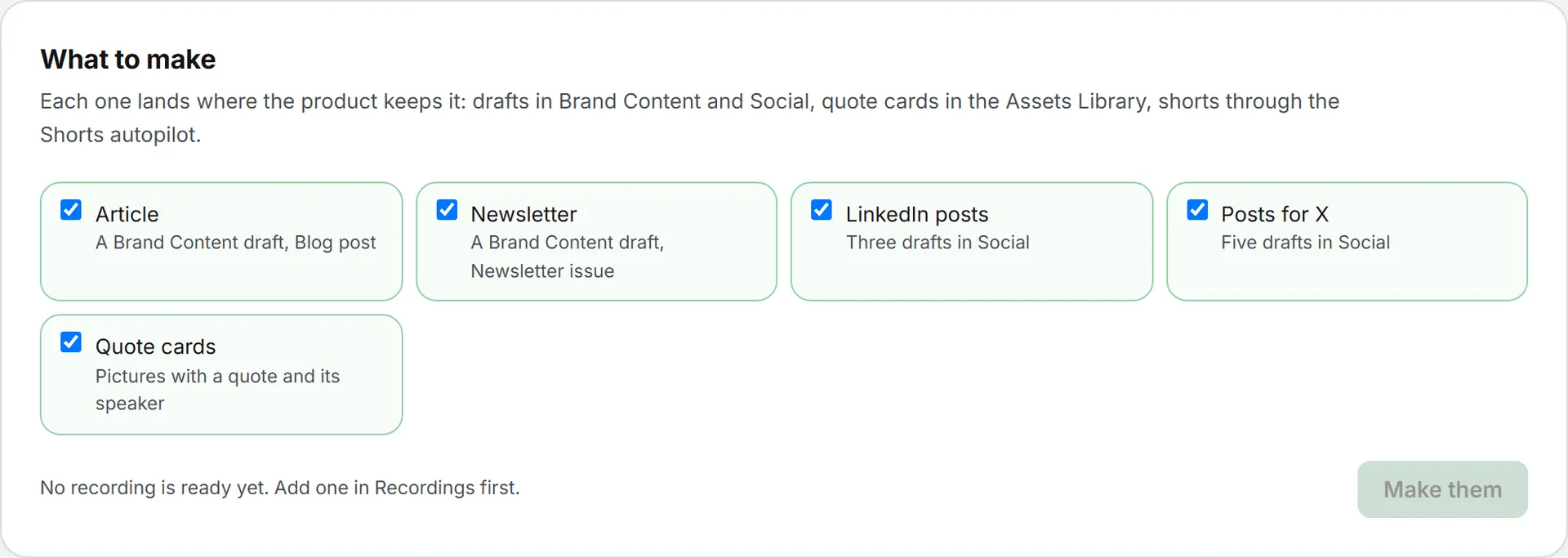
What to make
| Output | Where it lands |
|---|---|
| Article | A Brand Content draft, format Blog post |
| Newsletter | A Brand Content draft, format Newsletter issue |
| LinkedIn posts | Three drafts in Social, on LinkedIn |
| Posts for X | Five drafts in Social, on X |
| Quote cards | Pictures with a quote and its speaker, saved in the Assets Library |
Tick what you want and click Make them. A text model writes everything in one pass; it runs in the background and reports in Activity. The price shows when it is done. An output whose module you can’t write in is greyed out.
The results
Each draft comes back as a link that opens it where it lives: the article and the newsletter in Brand Content, the posts in the composer of their network in Social. Edit, validate and publish them as usual.
The quote cards are drawn in your browser: one square card per quote, with the speaker’s name and the brand. Save to the library files a card in the Assets Library as a PNG. Drawing them costs nothing.
Shorts
When the recording is a video, Make shorts of the video opens the Shorts autopilot on it: it picks the best moments and cuts them into vertical clips with captions.