Battle cards
Write a battle card for each competitor from what buyers said, edit it by hand, and set the price levels the copilot shows on calls.
A battle card tells a rep how to win against one competitor: what buyers say about it, how to answer, what to prove and how to place your price. Battle cards keeps one per competitor.
The competitors
The top of the page lists every competitor named in your recordings, with how many times, and the ones you added. A competitor that already has a card is highlighted: click it to scroll to its card. Click one without a card and its card is written at once.
To add a competitor nobody has named yet, type its name and click Add a competitor. Its card starts empty.
Write a card
Write it with AI has a text model write the card from the insights: what buyers said about this competitor, what else came up in the same recordings, the objections heard everywhere, and your price levels. It never invents a feature, a figure or a customer; where the evidence is thin, the card says what to find out on the next call. It runs in the background, reports in Activity, and the card shows when it was written and what it cost.
Write it again later, once more calls are in. What you typed by hand is saved first and kept where it still holds.
Edit a card
Every part of a card is yours to change:
- The name at the top, and Also written as: other spellings, comma separated. The copilot and the listening agent recognise them all.
- In short: who this competitor is for your buyers and where you win.
- Objections and answers: each objection as buyers put it, and what to say. Add an objection adds one, the cross removes it.
- Proof points, one per line, and the Pricing position.
Click Save: it turns amber while there are changes to save. Renaming a competitor moves its insights to the new name. Delete removes the card; the insights that name the competitor stay.
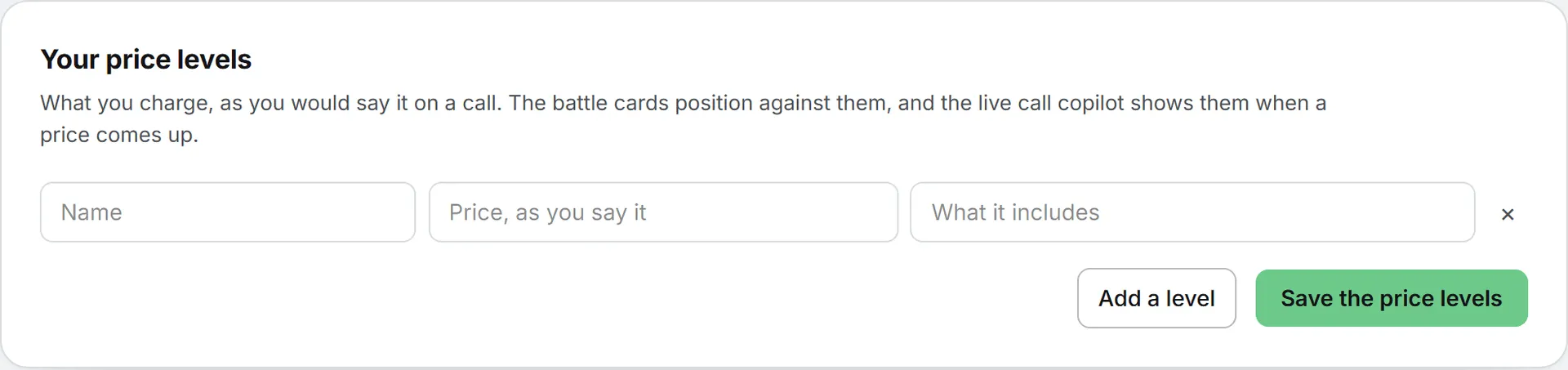
Your price levels
At the foot of the page, list what you charge as you would say it on a call: a Name, a Price, as you say it and What it includes. Add a level adds a row; Save the price levels keeps them. The battle cards position against them, and the Live call copilot shows them when a price comes up.