Insights
Filter everything customers said by type, competitor, brand, period and recording, see the trends and the names that come back, and then open each moment.
Insights gathers everything your organization heard in its recordings, so you see what comes back across calls rather than call by call.
The six types of insight
| Type | What it is |
|---|---|
| Objection | A reason given not to buy, to wait or to doubt. |
| Competitor | A competitor or an alternative named, including the tool used today. |
| Feature request | Something a customer asks the product to do. |
| Price or budget | A price, a budget, a discount or a cost quoted or asked about. |
| Question | A question that matters for selling or supporting. |
| Pain point | A problem the customer lives with today. |
Each insight keeps the exact words said, the speaker, the moment in the recording, and, where it applies, the competitor named or the amount quoted.
Filter
The filters at the top narrow everything below them: Type of insight, Competitor, Brand, Recording type, Period (the last 30 or 90 days, the last 12 months, all time, or your own dates with From, to) and Words, which searches the quotes, topics and details.

The counts and the trends
- The tiles count each type over the filters. Click one to show that type alone, click it again to show them all.
- Week by week stacks the insights of each week by type, so a rise in pricing objections shows.
- Named most lists the competitors and the topics that come back most. Click one to filter on it.
What was said
The list shows each insight with its type, topic, quote, detail, recording and date. Click the recording’s name and it opens at the moment the words were said. With the right to delete, Delete removes an insight that should not be there.
Ask about them
Ask Intelligence reads the insights of the last twelve months. Ask “what objections did we hear about pricing last month” or “which competitors come up most in support calls” and the answer quotes the calls, with a link to each moment. A dashboard can chart them too: tick Voice of Customer in its data.
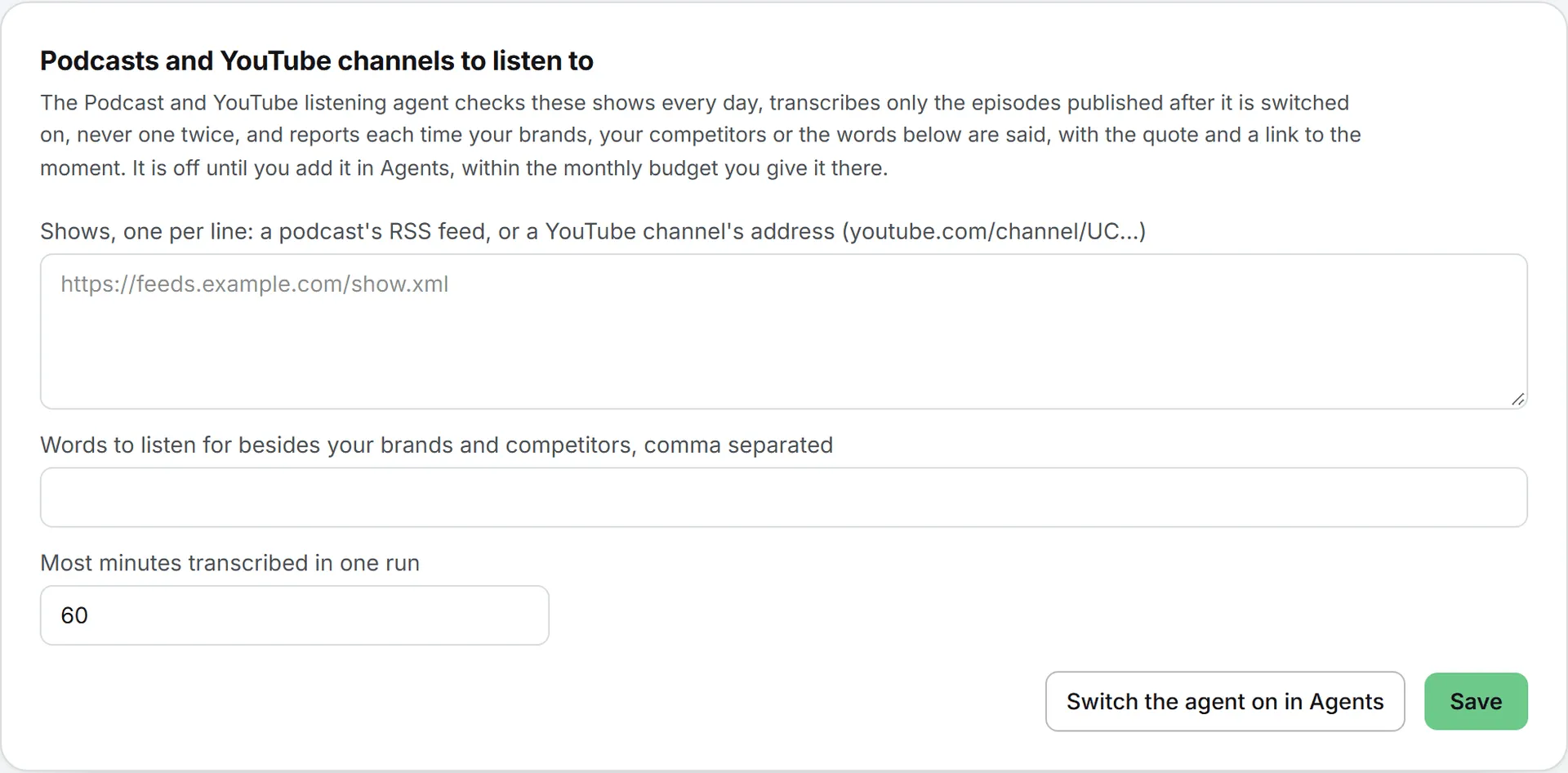
Podcasts and YouTube channels to listen to
At the foot of the page, list the shows the Podcast and YouTube listening agent follows, one per line: a podcast’s RSS feed, or a YouTube channel’s address (youtube.com/channel/UC…). Add the words to listen for besides your brands and competitors, and the most minutes it may transcribe in one run, then click Save.
The agent itself is off until someone adds it in Agents, with its monthly budget. It listens to new episodes only, never transcribes one twice, and reports each mention with the quote and a link to the moment. See the agent catalog.