History
Find every take you made, play it where it is listed, see its model, length and price, and reopen its page with the same settings.
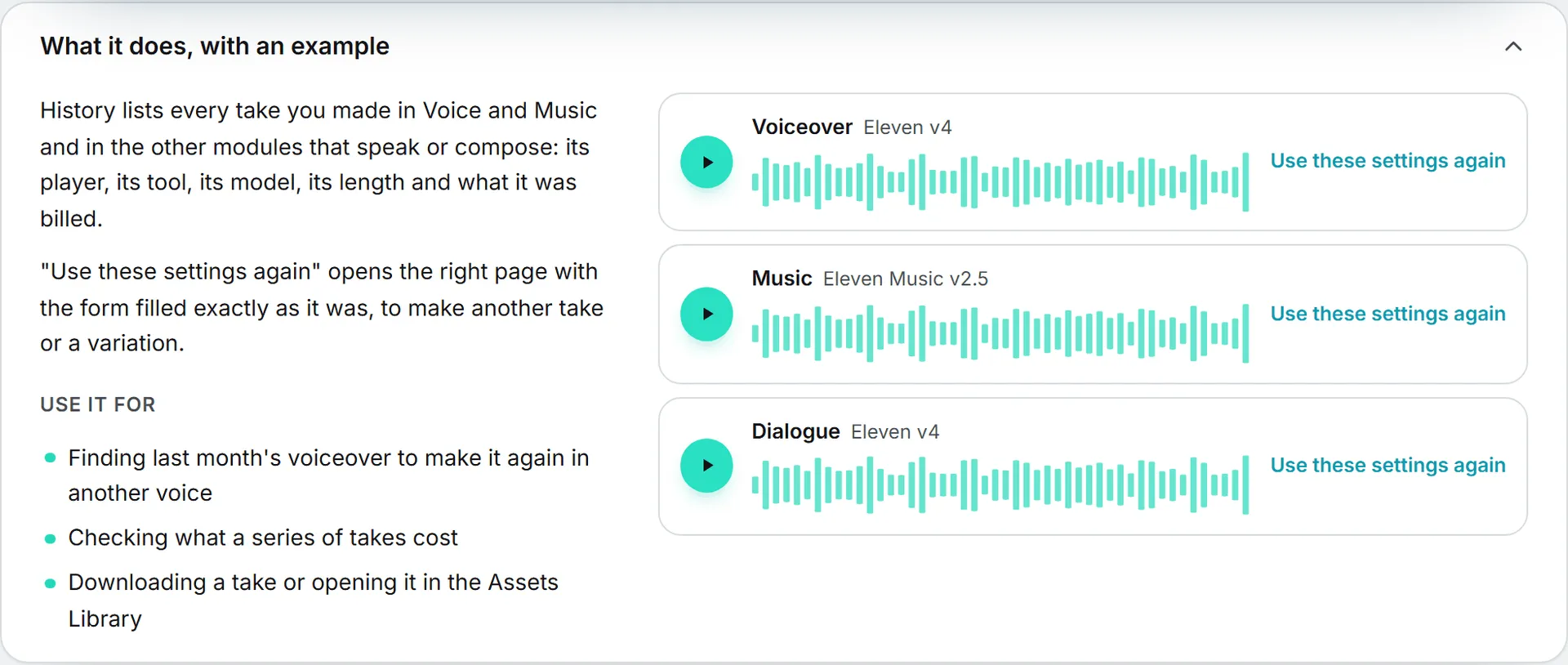
History lists every take you made, newest first: in Voice and Music, and in the other modules that speak or compose, such as podcasts and audio ads.
What each take shows
- Its name, its tool, its model, its length, what it was billed and when it was made, in your own date format.
- A player, to listen without leaving the page.
- Use these settings again: opens the right page with the form filled exactly as it was (the script, the voices and lines, the description, the length, the model), so you can make another take or change one thing.
- Download and Open in library.
A take that failed shows why, and was not billed. A take whose file was deleted from the Assets Library keeps its line, without a player.
Filter
Use the switch at the top to see one tool only: Voiceover, Dialogue, Podcast, Audio ads, Music or Sound effects. Show older ones loads more.
History shows your own takes. Everything you make is also in the Assets Library, where your team finds it.